Signed In, Screened and Briefed: Managing Subcontractors on a Busy Construction Site

The gate book problem is not a technology problem. It is a volume problem. When ten trade gangs arrive at 6:45am, the person checking them in is writing names with a ballpoint pen, not cross-referencing a prohibited-persons list or confirming which version of the safety briefing is current. Paper processes that work fine on a quiet Tuesday morning break at scale, and they break quietly: missed inductions, stale exclusion lists, rosters that don't match who is actually on site.
The problem with a paper gate book
Most sites still run some version of the same register that has been in use for forty years: a bound book, a stack of pre-printed forms, and an induction checklist pinned to a corkboard. When a site has a single entrance and a handful of trades, it copes. When a project scales to twenty subcontractors working concurrently, with labour gangs rotating on shifting schedules, the paper system starts failing quietly: missed inductions, illegible entries, exclusion lists that haven't been checked, rosters that don't match who is actually on site.
The fire assembly point is the moment the gap becomes visible. A site manager standing at the muster point with an out-of-date roster, trying to account for workers they didn't know had arrived, isn't a hypothetical risk. It's a regular occurrence.
Visitor types that match how a site runs
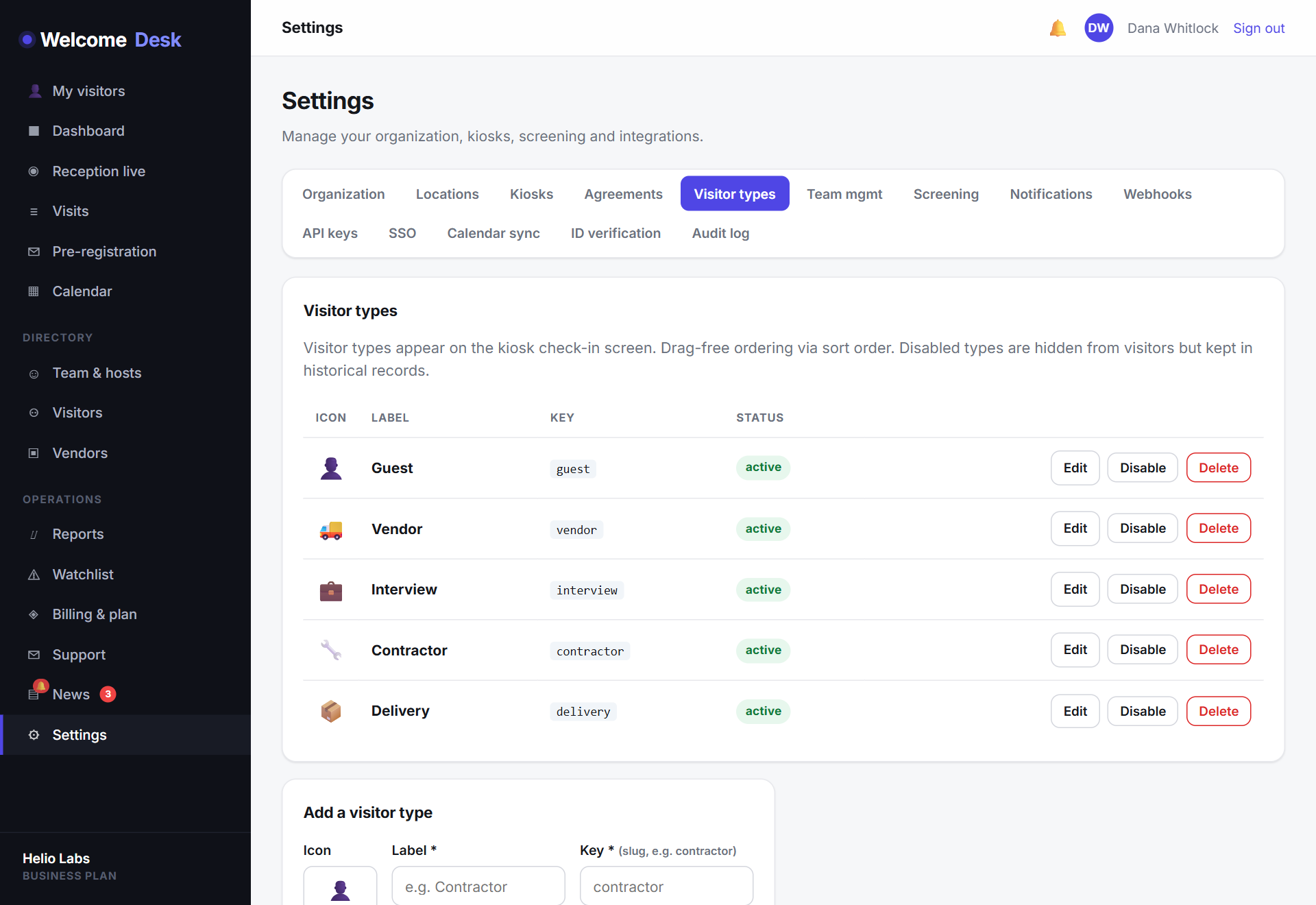
WelcomeDesk separates visitors into the categories construction operations actually use. A typical site configuration looks like this:
- Subcontractor: trades and gangs under a contract; full induction and exclusion check.
- Direct labour: principal contractor's own employees; abbreviated flow, faster through the gate.
- Delivery driver: goods-in visit only; captured and logged but streamlined.
- Inspector / auditor: regulator, client rep or insurer; full log, host notified immediately.
- Site visitor: escorted walk-round; RAMS acknowledgement required.
Each type has its own kiosk flow. A delivery driver taps through in under thirty seconds. A new subcontractor completes the full induction sequence (health-and-safety briefing, site rules, emergency procedures) before the kiosk confirms them as signed in.
Safety briefing at the gate, captured properly
Statutory inductions are legal requirements in most jurisdictions. The evidence requirement is the hard part in practice: a signed acknowledgement, timestamped, against a named individual, for the current version of the briefing.
WelcomeDesk captures the safety acknowledgement as part of the check-in flow. The visitor reads the briefing on the kiosk screen, then taps to confirm. The acknowledgement is written to the visit record immediately (name, time, content version) and is exportable whenever the compliance file needs it. Update the briefing text in Settings and every future check-in captures the new version automatically.
Screening against the exclusion list
Every construction project maintains some version of an exclusion register: individuals removed from site for safety or conduct reasons, or under a barring notice from a client or regulator. Checking every arriving worker against that list by memory isn't realistic at a busy gate.
WelcomeDesk's watchlist runs the check automatically at the point of sign-in. If a name matches an entry on the list, the kiosk flags the visit immediately. A discreet alert reaches the gate supervisor, and the record is marked for review. Clean, fast, and defensible at an inquest or HSE interview.
The muster roll that works at the assembly point
When the alarm sounds, the site manager already has the link. WelcomeDesk's evacuation report (accessible on any phone, no login, via a secure short-lived URL) shows every signed-in person by location, ready to be ticked off as they reach the muster point. The count updates live for everyone holding the link. When the incident closes, the full record exports to CSV for the file.
It runs on the same check-in data that drives the gate all day. No separate emergency-management system, no data to keep in sync, no offline clipboard to transcribe after the fact.
See WelcomeDesk at your front desk
Browser-based visitor management, one price for every office. Free for 14 days.
Start your free trial