Evacuation Drills and Muster Reports: Account for Every Visitor in Seconds

I have been the person at the assembly point with the wrong list. On a campus I managed before joining WelcomeDesk, we ran an evacuation drill where the head count we had was from the morning sign-in. The afternoon arrivals had used a different entrance and nobody had updated the clipboard. It was a drill. The gap was real. That is the problem this feature is built to close.
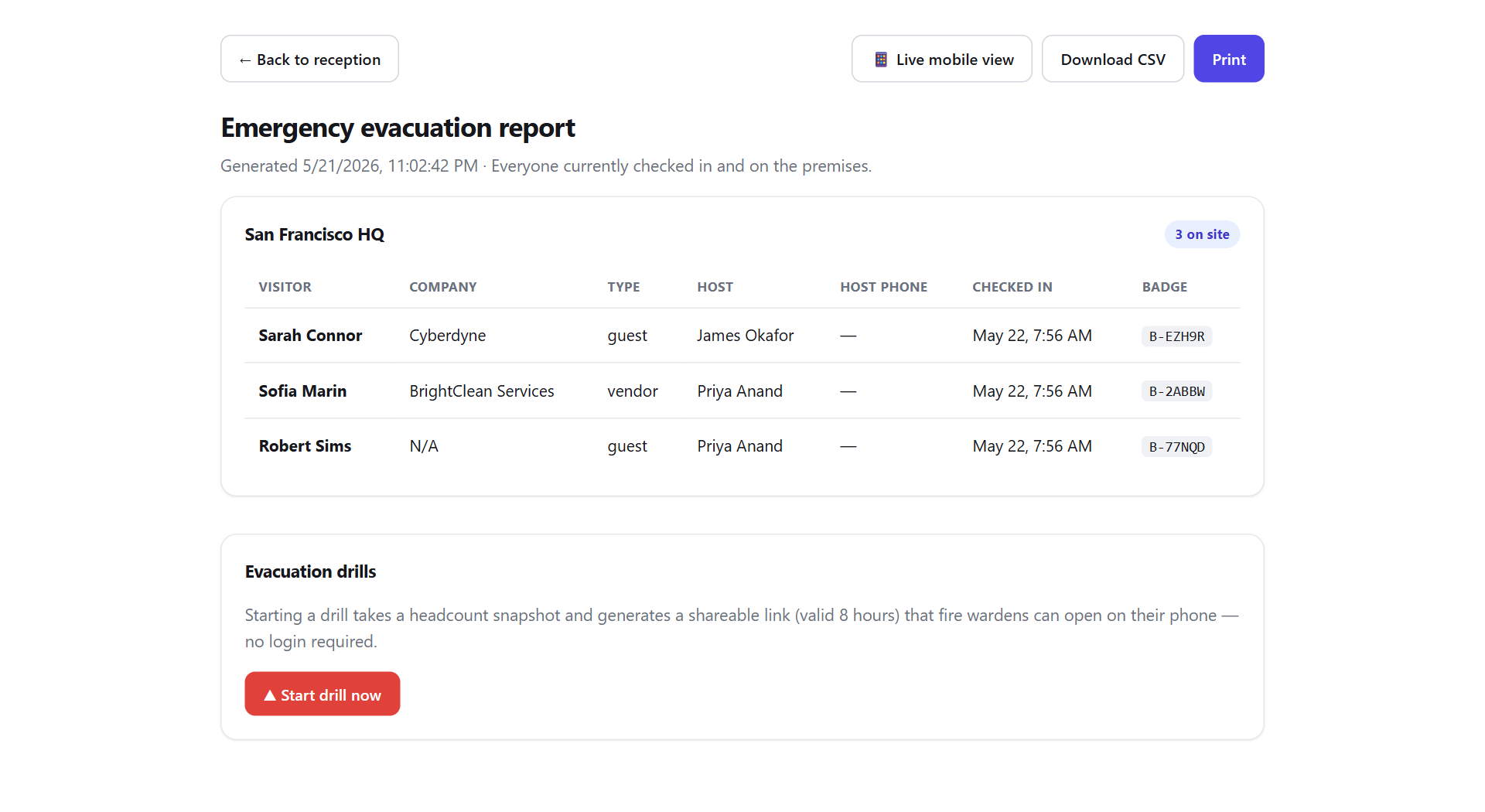
One tap to start an evacuation
From the Reports section, a single Start evacuation action timestamps the incident and freezes the on-site roster (every visitor and host currently checked in at that location). No one is added or removed mid-drill; you get a clean snapshot of who was in the building when the alarm went.
A muster list that works at the assembly point
Safety officers don't carry laptops to the car park. The muster report is built for a phone: open a short, secure link and you get the full list, each row with a Mark as accounted for checkbox. Tick people off as they reach the assembly point and the count updates live for everyone holding the link.
The link is shareable and needs no login. Send it to every fire warden by text. It expires automatically a few hours later, so it's safe to share in the moment without leaving a standing door into your visitor data.
Drill mode for practice runs
Fire-safety regulations across the UK and EU require regular evacuation drills. WelcomeDesk has a dedicated drill mode so you can rehearse the whole flow (start, muster, account for everyone) without it being recorded as a real incident. Every drill is still logged for your compliance file.
Exportable for your compliance records
When the drill or incident closes, export the whole thing: who was on site, who was accounted for and when, and the timeline of the event. Print it or save the CSV straight into your safety documentation.
The evacuation report is in the Reports section now. If your site already uses WelcomeDesk for check-in, you already have the list. This is just the tool to use it when it matters most: phone in hand, at the assembly point, counting people off in real time.
See WelcomeDesk at your front desk
Browser-based visitor management, one price for every office. Free for 14 days.
Start your free trial