Lobby Modes: Run Each Front Desk Unattended, Assisted or Receptionist-Led

A head-office reception with a full-time receptionist and an unstaffed satellite unit shouldn't run their front desks the same way. With lobby modes, they don't have to.
Three ways to run a lobby
Each location can now be set to one of three lobby modes:
- Unattended: pure self-service. Visitors check themselves in at the kiosk with no staff involved. Ideal for a small site or an out-of-hours entrance.
- Assisted: visitors can start their own check-in, but a receptionist is in the loop to help and confirm. The best of both for a busy reception.
- Receptionist-only: no self-service at all. Every visitor is signed in by a staff member. Right for high-security or high-touch lobbies.
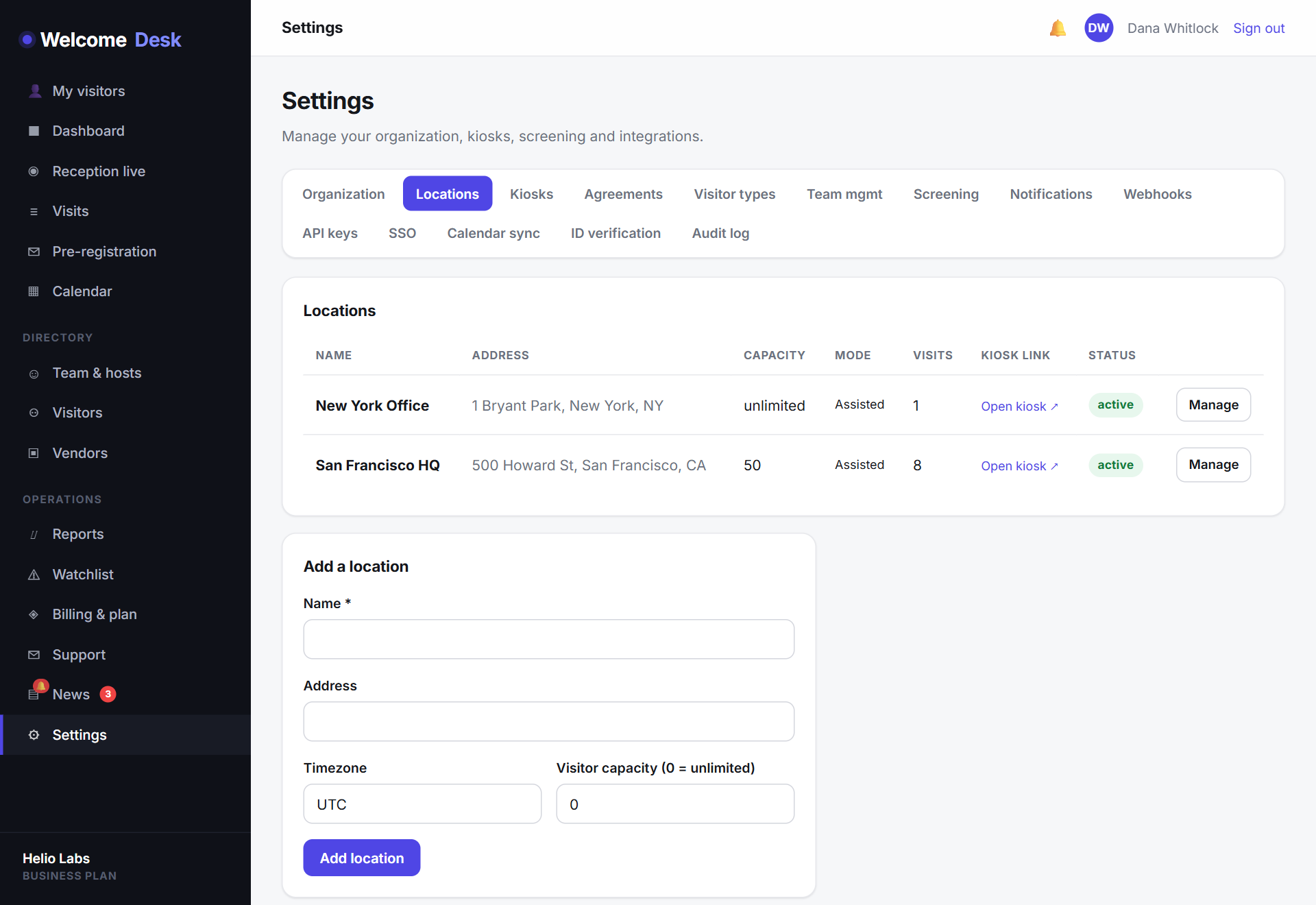
The mode is set per location, so a multi-site organisation can mix all three across its offices from one account.
The kiosk respects the mode
This isn't just a label. The setting actually gates the kiosk: in receptionist-only mode the self-service form won't let a visitor sign themselves in, while assisted mode allows it with a receptionist's oversight. The front desk behaves the way you configured it, automatically.
A faster walk-in for staffed desks
For receptionist-led lobbies, the reception console gains a quick walk-in check-in form. When someone arrives without a pre-registration, a receptionist signs them in directly from the console in a few seconds, with no need to walk them over to the kiosk tablet.
Set it from location settings
Open Settings → Locations, pick a location and choose its lobby mode. It takes one dropdown, applies immediately, and you can change it whenever a site's needs change (staffed during the day, unattended in the evening).
Lobby modes are set per location, take effect immediately, and can be changed any time (staffed during the day, unattended in the evening). It is a deceptively large change: WelcomeDesk now adapts to how each building actually runs, rather than asking every building to run the same way.
See WelcomeDesk at your front desk
Browser-based visitor management, one price for every office. Free for 14 days.
Start your free trial